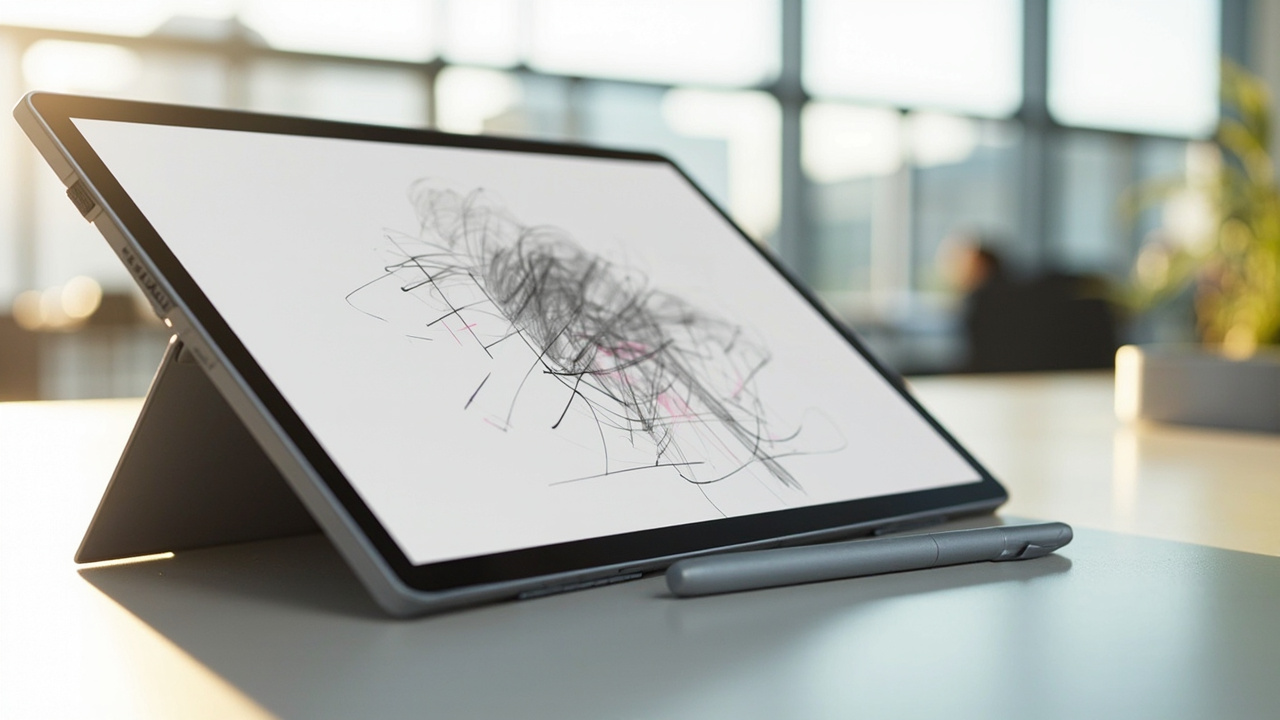
TL;DR: Microsoft announced Microsoft Ink Canvas on Sept. 23, 2026, an AI-powered, pen-first sketching app for Windows that will ship pre-installed on the new Surface Pro 12-inch and reach other supported devices through the Microsoft Store on Oct. 13, 2026.
Microsoft is launching a new digital sketchpad app for Windows next month, positioning handwriting and sketching as direct inputs for artificial intelligence features.
According to The Verge, Microsoft Ink Canvas will be available first on the new Surface Pro 12-inch, and for other supported devices on Oct. 13. The report describes support for sketching with pen or touch, alongside AI image generation and summaries. The same report characterizes the product as essentially an AI-powered version of the various digital whiteboard apps Microsoft has created over the years.
According to Windows Central, Microsoft unveiled Ink Canvas alongside refreshed Surface hardware this week. That publication describes Ink Canvas as a pen-first workspace that combines handwriting, sketches, annotations, and AI features on a single canvas. Microsoft says those inputs provide Copilot with additional context that can be used to generate documents and other content.
What Microsoft announced on Sept. 23
The announcement arrived on Sept. 23, 2026, alongside refreshed Surface PCs and accessories.
According to Windows Central, Microsoft announced a refreshed Surface Pro 12-inch (2nd Edition), a Surface Laptop 13-inch (2nd Edition), and a new Surface Mouse. Those PCs run on Snapdragon X2 Plus processors and promise solid battery life and performance while maintaining portability. The publication states that Microsoft announced more than Surface refreshes this week, with Microsoft Ink Canvas presented as the software introduction tied to the hardware.
According to Engadget, Microsoft introduced refreshed versions of its smaller Surface Pro 12 and Surface Laptop 13 on Sept. 23, 2026. The publication identifies the new Snapdragon X2 Plus chip as the central hardware change from the slower Qualcomm chips powering those devices last year. Engadget describes portability over raw power as the defining priority for both devices as Microsoft's smallest PCs.
The timing connects software and hardware directly. According to Engadget, the Surface Pro 12-inch is launching together with Microsoft Ink Canvas. The company describes Ink Canvas as an “AI-powered, pen-first experience for sketching, annotating, generating images and summarizing text directly on the canvas.” Engadget notes that the description does not sound particularly unique, but observes that it gives users something to do with the Surface Slim Pen.
Release date and how to get Ink Canvas
Microsoft has set two distribution paths for Ink Canvas, both tied to Oct. 13.
According to The Verge, Microsoft Ink Canvas will be available first on the new Surface Pro 12-inch. Other supported devices will receive access on Oct. 13. The same date is presented as the download date for the broader release.
According to Windows Central, Ink Canvas will be pre-installed on new Surface Pro 12-inch devices. The app will be added to the Microsoft Store on Oct. 13, 2026. That Store listing is the path for users who are not buying the new 12-inch Pro at launch.
According to Engadget, the app will also be available on the Microsoft Store on Oct. 13 for other Surface devices. All of Microsoft's new Surface hardware will be available on Oct. 13, placing the hardware launch and the wider app availability on the same day.
The announcement therefore describes a future release, not a product already downloadable for existing owners on Sept. 23. Readers with a compatible current device would need to wait for the Microsoft Store release, while buyers of the new Surface Pro 12-inch would receive it pre-installed.
What Ink Canvas does on the canvas
Ink Canvas centers on pen input rather than keyboard prompts.
According to Windows Central, Ink Canvas is a pen-first workspace that combines handwriting, sketches, annotations, and AI features on a single canvas. The publication summarizes the concept as combining handwriting, sketches, and AI tools in a pen-first workspace for Windows devices.
According to The Verge, the app supports sketching with pen or touch. The same report lists AI image generation and summaries among the included capabilities.
According to Engadget, the company-defined experience covers sketching, annotating, generating images and summarizing text directly on the canvas. The emphasis, in Microsoft's wording, is on performing those actions without leaving the drawing surface.
Microsoft framed visual expression as a way to improve AI output. According to Windows Central, Microsoft says handwriting, sketch and annotation inputs provide Copilot with additional context that can be used to generate documents and other content.
Microsoft explained the approach in a statement quoted by Windows Central:
“Ink Canvas lets customers use Slim Pen to express intent visually, spatially, and in their own handwriting — giving Copilot richer context and helping rough thoughts become useful creations faster.”
The statement identifies Slim Pen as the input device for that visual and spatial expression. It also identifies Copilot as the system receiving the richer context. The stated outcome is faster conversion of rough thoughts into useful creations.
Why Microsoft links ink to Copilot
The Copilot connection distinguishes Ink Canvas from a conventional drawing utility.
According to Windows Central, Microsoft says the handwriting, sketch and annotation inputs provide Copilot with additional context. That context can then be used to generate documents and other content. The workflow therefore moves from visual marks to generated written material.
According to The Verge, the app includes AI image generation and summaries. Those two functions address both visual creation and text condensation inside the sketching environment.
According to Engadget, the canvas supports generating images and summarizing text directly on the canvas. The publication presents that combination as an AI-powered, pen-first experience rather than a standalone image generator or standalone summarizer.
Windows Central places the release in a broader pattern of AI integration. The publication describes Microsoft's new Ink Canvas as the latest attempt by the company to integrate AI into a general user experience. It notes that smartphones and tablets have already connected inking to AI. It adds that Googlebooks have some tricks in the same area, and says it will be interesting to see how Microsoft's AI ink experience stands out from the competition.
Where Ink Canvas fits in Microsoft's inking history
Microsoft has tested multiple approaches to pen input on Windows and Surface hardware.
According to Windows Central, Surface PCs have supported a pen since the very beginning of the brand. Over the years, Microsoft has tested a variety of ways to integrate inking with Windows.
The publication traces one lineage to Windows 10. Back in the days of Windows 10, Microsoft introduced an Ink Workspace that was connected to Microsoft Whiteboard and the Snipping Tool. A major update to Ink Workspace shipped to Windows 11 in 2021.
According to Windows Central, the improved Ink Workspace lets users pin different apps. That pinning capability makes it easier to open inking experiences, such as Sticky Notes or even Microsoft Paint. The author adds a personal note that he prefers the third-party app Ink Workspace, which is not related to Microsoft's Ink Workspace, because it has more features.
The same history underscores continuity. According to Windows Central, inking has been at the heart of Surface for years through both first-party and third-party experiences. The Verge places Ink Canvas in that same progression by calling it essentially an AI-powered version of the various digital whiteboard apps Microsoft has created over the years.
The new Surface Pro 12 and Surface Laptop 13
Ink Canvas arrives with refreshed small Surface devices focused on portability.
According to Engadget, Microsoft's hardware business faces pressure on multiple fronts, especially Xbox, but the company continued with refreshed versions of its smaller Surface Pro 12 and Surface Laptop 13. The publication says design has not changed for either device. The Surface Pro 12-inch remains a small 12-inch tablet with a kickstand, capable of transforming into a pseudo-laptop with the Surface Pro keyboard.
According to Engadget, the Surface Laptop 13 is the company's basic notebook design shrunk down to a 13-inch screen and 2.7-pound frame. Both systems feature new 500-nit displays, which are 25 percent brighter than before.
Performance claims focus on the Snapdragon X2 Plus. According to Engadget, Microsoft claims the Snapdragon X2 Plus chips deliver 60 percent better graphics than the last generation. The company also claims 95 percent faster on-device AI and 18 percent better battery efficiency. For basic Office productivity work, the company says the new chip is 18 percent faster.
Windows Central similarly reports that the refreshed PCs run on Snapdragon X2 Plus processors. The publication says the systems promise solid battery life and performance while maintaining portability.
Engadget adds context for purchase decisions. The author writes that he found the 12-inch tablet absolutely adorable when he reviewed it last year, and hoped the new internals would alleviate performance concerns. The publication says the upgrades sound compelling for anyone interested in these smaller Surface devices who could not accept the major speed downgrade of the previous Snapdragon X chips. It advises owners who bought one of these systems last year that it is probably worth waiting longer to upgrade. It notes that larger 13-inch Surface Pro and Surface Laptop 13.8-inch models are also available with newer Snapdragon X2 chips.
Prices, keyboard, mouse and Oct. 13 availability
Pricing reflects increases compared with the prior generation.
According to Engadget, the smaller Surface devices were ostensibly low-cost devices last year, with launch prices below $1,000. The publication attributes the change to the RAMaggedon, which has increased the Surface Pro 12-inch price to $1,150 and the Surface Laptop 13 price to $1,199.
Keyboard pricing remains separate. According to Engadget, the Surface Pro 12-inch can transform into a pseudo-laptop with the $150 Surface Pro keyboard, sold separately.
Microsoft also introduced a new pointer accessory. According to Windows Central, Microsoft announced a new Surface Mouse alongside the refreshed Surface Pro 12-inch 2nd Edition and Surface Laptop 13-inch 2nd Edition. According to Engadget, Microsoft is launching a new $80 Surface Mouse, described as an ambidextrous mouse with haptic functionality.
The mouse adds tactile feedback for system actions. According to Engadget, users will be able to feel certain Windows 11 interactions, like snapping a window or aligning objects. The publication compares that behavior to what users have seen with the Logitech MX Master 4. It describes the device as an evolution of the previous Surface Mouse, which was notable for evoking Microsoft's classic Intellimouse design.
Availability converges on one date. According to Engadget, all of Microsoft's new Surface hardware will be available on Oct. 13. That is the same date Windows Central and The Verge give for wider Ink Canvas availability through the Microsoft Store.